
Wiki sections
Player Market
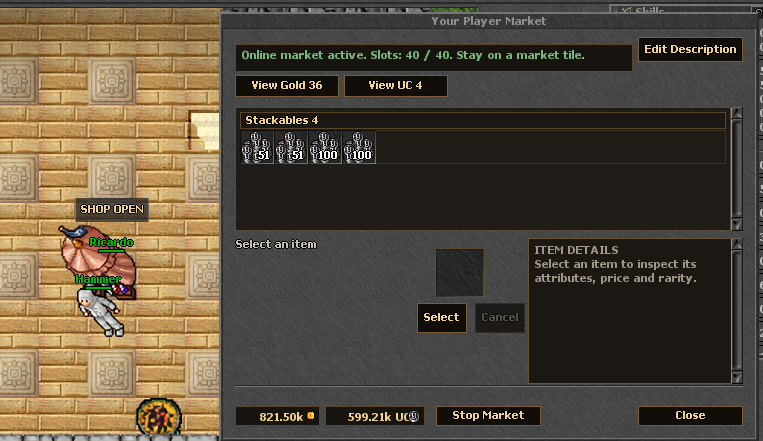
The Player Market lets a character open a personal shop while staying online on a market tile. Buyers can inspect full item details, choose the amount they can afford, and buy directly with gold or UnderOld Coins.
Where to Use
Slot Limits
| Account / Permission | Active Selling Slots | Notes |
|---|---|---|
| Free Account | 10 | Every character starts with the base market access. |
| Free Account + Market Permission | 20 | Market Permission adds 10 slots for 7 days. |
| Premium Account | 30 | Premium adds 20 slots to the base limit. |
| Premium Account + Market Permission | 40 | 40 is the current maximum active offer limit. |
Market Permission is a Store item that costs 30 UnderOld Coins. If a bonus expires while you have more listed items than your current limit allows, remove offers until you are within your available slots.
Selling Items
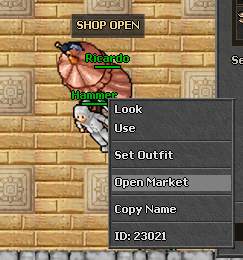
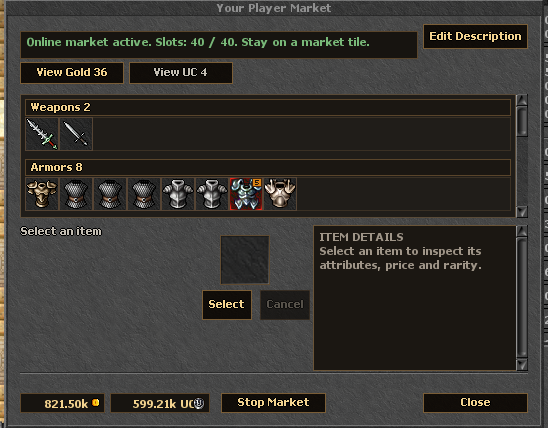
- Stand on a market tile and open your Player Market.
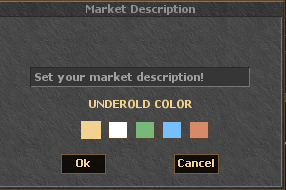
- Add items from your backpack, set the unit price, and choose whether the offer is listed in gold or UnderOld Coins.
- Offers are organized into tabs and categories so buyers can browse them quickly.
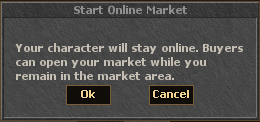
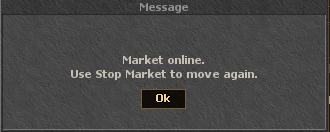
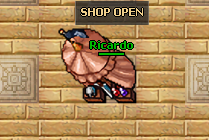
- Press Start Market to open the shop. Your character stays online and becomes fixed in place.
- Use Stop Market when you want to close the shop, recover movement, and return to your normal outfit.
Buying Items
Gold and UnderOld Coins
| Currency | Buyer Pays | Seller Receives | Fee |
|---|---|---|---|
| Gold | The listed gold price. | The listed gold price. | No market fee. |
| UnderOld Coins | The listed UC price. | The UC price minus the market fee. | 5% fee on UC sales. |
Example: if an item is sold for 50 UnderOld Coins, the 5% fee is 2 UC and the seller receives 48 UC.
Container Rules
Regular items can be listed directly. Backpacks are restricted: only supported groups such as runes, ammunition, or food may be sold inside containers, and the container must hold identical items.